Spin The Wheel: Free Wheel of Names & Random Choice Picker
Draw unbiased winners, pick student names, or randomize daily choices with cryptographically fair browser spins.
SpinTheWheel.to is a free online wheel spinner. Paste your names or choices, hit spin, and the wheel picks one at random with no signup needed. Use it as a wheel of names, raffle picker, classroom name picker, or decision decider for instant, unbiased results.
Editorial Guide
What is an Online Wheel Spinner & How Does It Work?
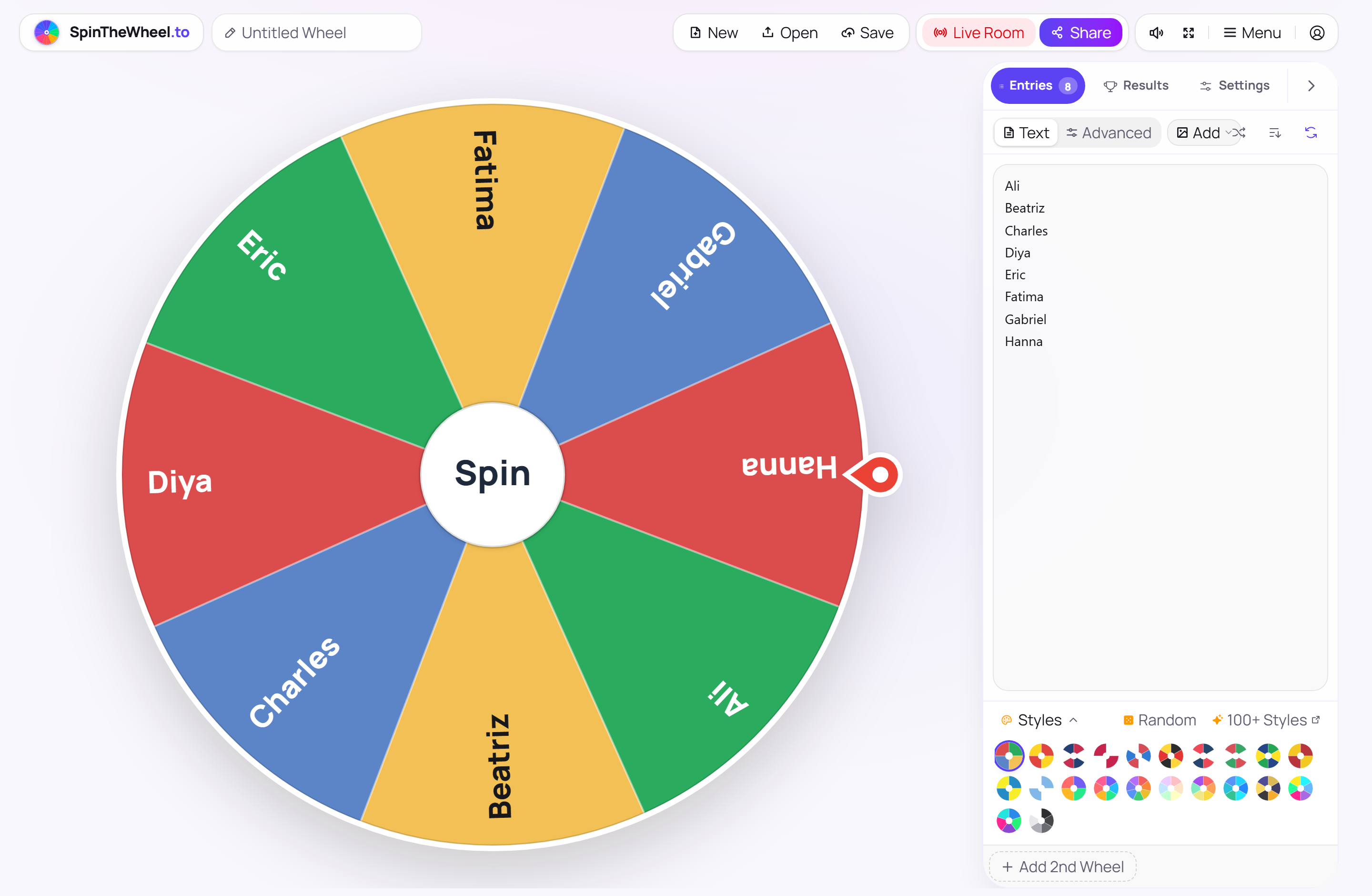
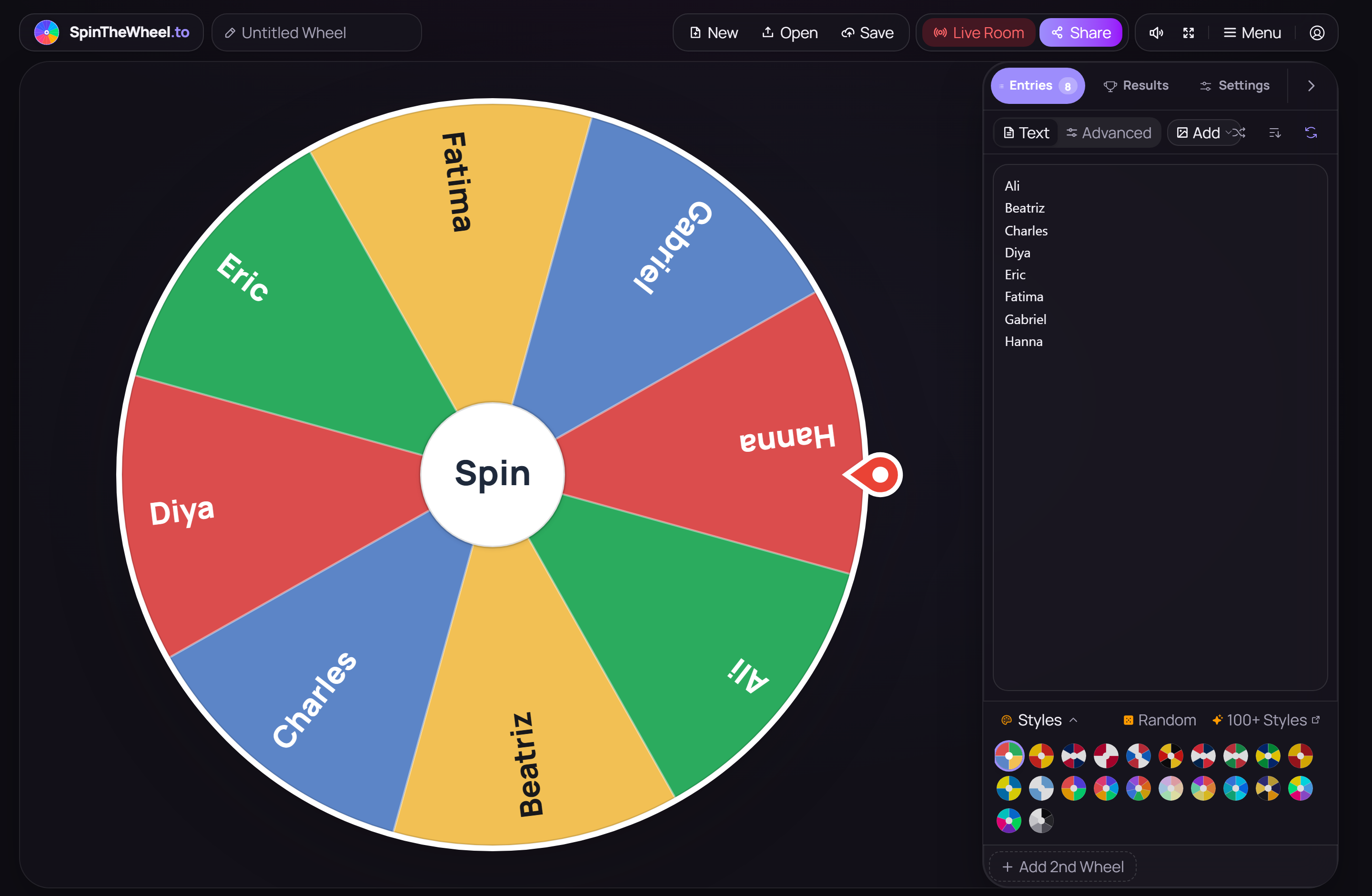
At its core, a digital wheel spinner is a browser-based randomization engine inspired by traditional carnival and television prize wheels. Instead of hand-drawing segments on cardboard or cutting paper slips from a hat, the software translates any list of entries into proportional geometric slices around a virtual wheel.
When activated, an integrated physics simulator spins the wheel and decelerates smoothly toward a designated winning wedge indicated by a fixed pointer. Whether you are selecting contest entrants, calling on students, or rolling a virtual dice, this tool is commonly searched as a Wheel of Names, random name picker, raffle spinner, or decision roulette.
Transparency
How Random Selection & Fairness Work
True fairness requires mathematical independence. Here is exactly what happens each time you spin:
1. Live Slice Mapping: Real-Time Angular Distribution: Every text line in your list automatically carves out a slice. Slices maintain exact mathematical equity across 360 degrees unless weighted values are explicitly assigned.
2. Cryptographic Randomness: Client-Side Cryptographic Randomness: Rather than using predictable pseudorandom math or a remote server, SpinTheWheel uses the browser's standard crypto.getRandomValues API. This generates cryptographically strong 32-bit random values locally on your device, ensuring outcomes are fair, uniform, and independent on every spin.
3. Elimination Knockout: Auto-Remove (Elimination Mode): Once a slice lands, you can immediately spin again or enable Auto-Remove. Elimination mode drops the winning entry from subsequent rounds, making multi-draw raffles and classroom roll-calls effortless.
Populate Your Roster
Paste choices, names, or numbers into the Entries panel. Use text mode for bulk pastes or advanced mode for custom weights.
Select Rules & Audio
Pick a color palette (including country flag themes), set your spin duration, and toggle Auto-Remove if needed.
Spin via Click or Hotkey
Tap the center Spin hub or press the Spacebar. The pointer decelerates to pinpoint an unbiased winner.
Toolkit
Built-in Features for Raffles, Classrooms & Giveaways
Practical tools designed for educators, streamers, event organizers, and daily decision-making.
Bulk Roster Import
Import dozens or hundreds of names in seconds. Copy-paste directly from Google Sheets, Microsoft Excel, or CSV files without manual reformatting.
Client-Side Cryptographic Randomness
Spins calculate winning slices locally via the browser's Web Cryptography API (crypto.getRandomValues). Instant calculations with zero server manipulation.
Weighted Probability Slices
Model unequal odds for ticketed raffles or bonus tiers. Setting an entry's weight to 2 or 5 visibly enlarges its slice and doubles its mathematical probability.
Real-Time Live Room Sync
Live RoomBroadcast interactive spins to remote participants. Share a dedicated room link and PIN so viewers on YouTube, Twitch, or Zoom watch spins in lockstep.
Multi-Tab Workspaces
Multi-WheelRun multiple independent wheels within the same window. Switch between teams, questions, or prize rounds without clearing your original lists.
Local Browser Storage
Your wheel lists, custom themes, and spin settings are saved directly in your browser. Entry names remain stored on your device unless you choose to broadcast via Live Room.
Real-World Scenarios
Where People Use SpinTheWheel.to Every Day
Classroom Education
Overcome student hesitation and foster participation by selecting cold-call speakers and assigning homework tasks impartially.
Streamer Raffles & Giveaways
Build viewer trust during live broadcasts on Twitch, YouTube, or Kick with transparent winner selection and smooth physics.
Scrum & Workplace Standups
Randomize speaking order during daily standup meetings, select sprint retro moderators, or assign peer code reviewers.
Social Gatherings & Board Games
Settle indecisive group debates ('Where to go for lunch?'), pick starting players in tabletop games, or run party dares.
Templates
Ready-to-Spin Wheel Templates
Jumpstart your decision with popular pre-configured wheels:
Yes or No Wheel
Instant, unbiased 50/50 decision maker for quick choices.
Yes No Maybe Wheel
3-way decision spinner for nuanced everyday choices.
Color Palette Wheel
12-hue rainbow color picker for artists, design challenges & games.
What to Eat / Food Wheel
End the 'what should we eat?' dinner debate forever.
Random Number Wheel
Instant digit & number generator for 1-10, 1-50, raffles, and classrooms.
Alphabet Wheel
26-letter picker for vocabulary games, spelling bees & ESL classes.
FAQ
Frequently Asked Questions
Clear answers regarding randomness, fairness, privacy, limits, and customization on SpinTheWheel.to.
How does SpinTheWheel generate random results? Is it fair?
Yes. Winning slices are calculated directly on your device using the browser's standard Web Cryptography API (crypto.getRandomValues). This generates a cryptographically uniform 32-bit random integer mapped against slice angles before the deceleration animation begins, ensuring each spin is mathematically unbiased.
Can I use SpinTheWheel as a Wheel of Names for my classroom or contest?
Yes. Simply paste your student roster or participant list into the Entries tab (one name per line). To choose each winner only once, toggle 'Auto-Remove' in Settings so selected entries disappear from subsequent rounds.
Can I save or share my custom wheel with others?
Yes. You can save wheels to your account or generate a shareable link. Anyone with the link can view and spin your exact wheel setup on their own browser without altering your original list.
Does SpinTheWheel work on mobile devices and tablets?
Yes. SpinTheWheel is fully responsive and touch-optimized. You can tap to spin, manage entries, and adjust settings seamlessly on smartphones, tablets, and interactive classroom displays.
What is the difference between SpinTheWheel.to and Wheel of Names?
SpinTheWheel.to provides a modern interface with natural physics deceleration, multi-wheel workspaces in a single tab, weighted probability slices, and real-time Live Room broadcasting for streams and classrooms—100% free with no registration required.
How does the Live Room feature work?
The Live Room feature generates a shareable room link and a 6-digit PIN. Anyone who joins your room will see your wheel spins, slice updates, and winning results broadcast in real-time, making it ideal for Zoom meetings, Twitch streams, and remote classrooms.
How many names or choices can I put on the wheel?
You can add hundreds of entries. SpinTheWheel automatically scales label font sizes, angle slices, and rendering layers so the wheel remains legible and responsive regardless of list size.
How do weighted entries work?
Slices have a default weight of 1. If you increase an entry's weight to 2, it occupies twice as much physical angular area on the wheel and has twice the statistical probability of landing as a slice with weight 1. This is perfect for raffle drawings where participants hold different numbers of tickets.
Will my wheel entries disappear if I close or refresh the tab?
No. All entries, palettes, and custom settings save automatically to your browser's local storage (localStorage). When you reopen the page, your workspace will be right where you left it.
Is SpinTheWheel completely free to use?
Yes, all core spinning tools, list customization, audio presets, multi-wheel workspaces, and Live Rooms are 100% free with no registration required.
Are there keyboard shortcuts to spin faster?
Yes. You can hit the Spacebar or Enter key at any time to trigger a spin, and press Escape to close the winner dialog.